Holiday Checklist: Update Your Hotel Website for December
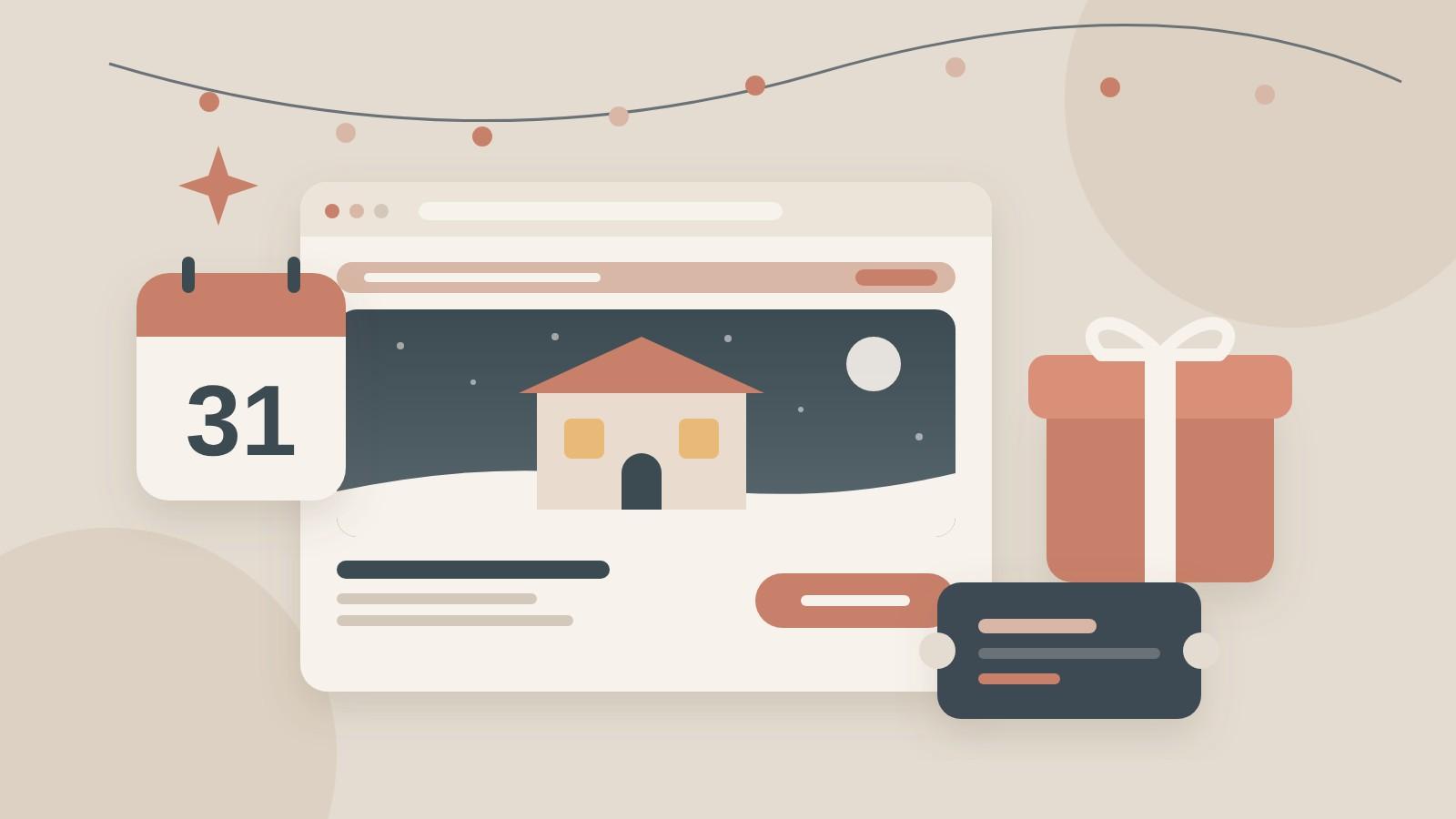
December brings gift buyers, last-minute guests and New Year's Eve planners to your website. This checklist covers what to update now, from festive packages and gift vouchers to holiday hours and your homepage banner.
To get your hotel website ready for December, update six things: a festive packages page, a New Year's Eve offer, gift vouchers you can buy online, your holiday opening hours, a seasonal homepage banner and a few winter photos. Most of these take an afternoon each. Do them in November and your site is ready before people start planning and buying gifts in earnest.
This checklist goes through each one, what to include, and what to switch off again in January.
Key takeaways
- Experiences are popular gifts: half of US holiday shoppers plan to give an experience this year, up from 39% in 2024 (Deloitte, October 2026).
- Gift vouchers sell late: Sabre reported the busiest hour for hotel gift card sales as 11 pm to midnight on Christmas Eve (2023).
- Your hours must match everywhere: set holiday hours on your website and as special hours on Google.
- Start now: a page published in November has time to be found before December.
Why update your hotel website for the holidays?
Because December brings visitors with different questions. Some are planning a winter break or New Year's Eve. Some are buying a gift for someone else. Some just want to know if your restaurant is open on the 25th. If your homepage still shows a summer pool photo and nothing about the season, these visitors leave without the answer.
Gifts matter more than many small hotels think. In Deloitte's 2026 Holiday Retail Survey of 4,000 US consumers, published October 15, 2026, half of shoppers said they plan to give an experience as a gift this year, up from 47% in 2025 and 39% in 2024. A night away, a dinner or a spa day is exactly that kind of gift.
What should be on your December website checklist?
1. A festive packages page
Give your holiday offers their own page, with a short address like /christmas or /festive-stays. One page is easier to find, share and link from your homepage, emails and social posts than offers spread across the site.
For each package, list:
- What is included: nights, meals, drinks, activities.
- The dates it covers and any minimum stay.
- The price or "from" price, and whether it is per person or per room.
- One clear booking button that opens your booking engine with the right dates or rate.
Keep the copy short and specific. For example, "Two nights, Christmas Eve dinner with local wine, late check-out on the 26th" tells a guest more than "magical festive memories". Our landing page checklist covers the rest of a page like this.
2. A New Year's Eve offer
New Year's Eve is often booked by couples and small groups who want the whole evening planned. If you run a dinner, a party or a package, give it its own section or page, with the menu or program, the time, the price and how to book. If you are not doing anything special, say so and point people to what is nearby, like fireworks or a midnight walk to the old town. A clear answer is better than none.
3. Gift vouchers you can buy online
If you only sell vouchers by phone or at reception, you miss the late-night buyers. Sabre, which sells gift card software to hotels, reported in December 2023 that the busiest hour for hotel gift card purchases was 11 pm to midnight on Christmas Eve, and that 72% of guests spent more than the value of the gift card they received.
Make vouchers easy to find and quick to buy:
- A "Gift vouchers" link in your header or main menu for all of December.
- Set amounts and experience vouchers, such as "one night for two" or "dinner for two".
- Instant delivery by email, with a printable PDF, so last-minute buyers have something to give.
- Clear terms: how long the voucher is valid, which dates it can be used, and how to book.
Deloitte also found that 79% of people planning to give an experience want to pair it with a physical item. A printed card, a small box of local treats or a branded postcard sent with the voucher fits that well.
4. Holiday opening hours, everywhere
Guests check whether your restaurant, bar, spa or reception is open on Christmas Day and New Year's Day. Put your holiday hours on your website, on your contact page and on any restaurant page.
Then set the same hours on Google. Google Business Profile has a "special hours" setting for holidays and events, so you can change your hours for specific dates without touching your regular schedule. Google's help page says it is meant for closures of up to six days in a row. For a longer winter closure, mark your business as temporarily closed instead. Our local SEO guide explains why matching details matter.
If you close for winter, say so clearly on the homepage, with your reopening date and a way to book for spring.
5. A seasonal banner on your homepage
Add one short banner near the top of your homepage that links to your festive packages, New Year's Eve offer or gift vouchers. Keep it to one line and one link, for example "Christmas stays and gift vouchers: see the offers". Avoid pop-ups that cover the photo and the booking bar, especially on phones. Our guide to what guests look for first on your homepage explains why the top of the page should stay clear.
6. Winter photos
If your homepage and gallery only show summer, guests can't picture a winter stay. Add a few seasonal photos: the room with warm light, the fireplace, the dining room set for dinner, the street or view in winter. Real photos of your own hotel work better than stock images. Keep them saved for the web so they don't slow the page down.
7. Rates, availability and minimum stays
Check that your booking engine shows the right holiday rates, packages and minimum stays before you promote them. A guest who clicks a Christmas offer and then finds no availability, or a different price, may book elsewhere. Test the full booking path on your phone, from the banner to the confirmation page.
8. An email to past guests
Your past guests already know and like you. Send them a short email in November with your festive packages, New Year's Eve plans and gift vouchers, and a second, shorter reminder in mid-December for gift buyers. Our post on turning guest emails into repeat revenue covers how to build and use that list.
When should you make these changes?
Here is a simple timeline:
- Early November: packages page, New Year's Eve offer, online vouchers, rates checked in the booking engine.
- Mid November: homepage banner, winter photos, first email to past guests.
- Early December: holiday hours on your site and as special hours on Google.
- Mid December: gift voucher reminder email and a check that vouchers still arrive instantly.
- Early January: remove the banner and expired offers, and add winter break or spring offers instead.
Late planners still book in December, so keep the offers live and easy to find right up to the dates. Our post on designing for the last-minute traveler shows how to make short-notice booking easy on a phone.
What should you remove in January?
Old festive offers left online look careless and can confuse guests and search engines. In the first week of January, take down the banner, unpublish expired packages or mark them as finished, and redirect the festive page to a winter or spring offers page so the address keeps working. Keep the voucher page live, since people buy gifts all year.
FAQ
When should a hotel publish its Christmas offers online?
Ideally in early November. That gives the page time to be found in search, shared on social media and sent to past guests before December. Gift buyers keep shopping until Christmas Eve, so keep the offers and vouchers live and easy to find all month.
Should hotel gift vouchers be sold on the website?
Yes. Online vouchers let people buy at any hour, including the late-night rush before Christmas. Offer instant email delivery with a printable version, set amounts and experience vouchers, and clear terms on validity and how to book. Put a link in your main menu.
How do I set holiday hours on Google for my hotel?
In your Google Business Profile, use the "special hours" setting to add hours for specific dates, such as Christmas Day or New Year's Day. Your regular hours stay the same. For a closure longer than six days in a row, Google suggests marking the business as temporarily closed.
Do I need a separate page for festive packages?
It helps. One page with all your holiday offers is easier to link from your homepage, emails and social posts, and it can rank for searches like "Christmas break" in your town. Give each package clear dates, inclusions, a price and a booking button.
What should I do with holiday pages after the season?
Remove the banner and expired offers in early January. Redirect the festive page to a current offers page so old links still work, or update it with next year's offers when the time comes. Keep the gift voucher page live all year.
The bottom line
A few small updates make your website ready for December: a packages page, a New Year's Eve answer, online vouchers, matching holiday hours, one banner and some winter photos. Pick one today. If you only have an hour, start with the gift voucher link in your menu, because those buyers are already looking.
Want help getting your site ready for the season? Book a call and ask for a free look at your site.
Sources
- Deloitte, "Holiday Spending Set to Increase 4% While Shoppers Focus on Value" (October 15, 2026; 2026 Holiday Retail Survey, 4,000 US consumers, fieldwork August 26 to September 10, 2026)
- PATA, "Eleventh-Hour Christmas Shoppers Are Driving a Boom in Hotel Gift Card Sales, According to Insights From Sabre" (December 19, 2023)
- Google Business Profile Help, "How to set special hours"

Djaner Bekir · Founder of Art of The Code. 15+ years in destination management, now building websites for hotels and restaurants. About
Want a website that turns lookers into bookers?
Related posts
 Guest marketing7 min read
Winning the Experience Generation
 Guest marketing7 min read
First-Party Data: A Boutique Hotelier’s Secret Weapon
 Guest marketing5 min read
From Visitor to Advocate: Building a Digital Referral Program