
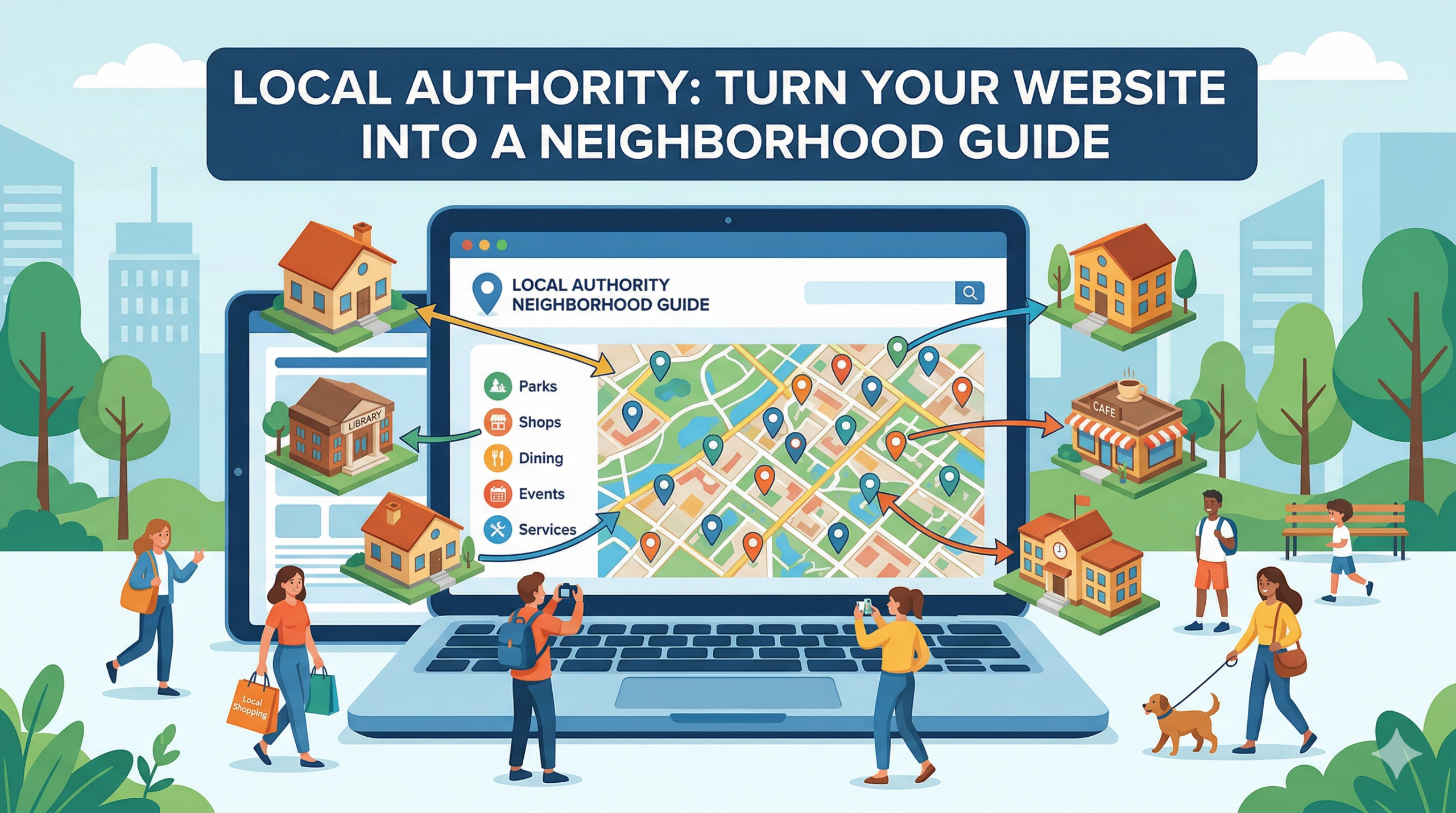
Make your website feel like home. This short guide explains how your site can become a trusted neighborhood guide. You will get clear steps on what to add, how to design pages, how to write for search, and how to involve the local community. Read on to learn practical ways to help neighbors find what they need.
Why build a neighborhood guide
Local sites connect people to services, events, and each other. A good guide adds value by making local life easier. It also builds trust. When residents find reliable local info, they come back more often. That helps your site become an essential part of the neighborhood.
For me, a neighborhood guide means practical pages that answer common local questions. Think of pages for food, transport, council services, parks, and community groups. Each page should be clear and helpful. The aim is to reduce friction and save time for readers.
Turning the site into a guide also supports local SEO and search intent. People type simple queries like where to recycle, who runs a community center, or when a market opens. When your pages match those queries, local people will find you first. That means more traffic and stronger community ties.
What to include
Start by listing the topics your neighbors need the most. This list below shows the core items to put on your guide. Each item should be local, factual, and easy to update. Use short text and clear headings so people can scan fast.
- Local services: Emergency numbers, council contacts, recycling points, and health centers. Make sure phone numbers and opening hours are current.
- Transport info: Bus routes, train stations, cycle lanes, and parking rules. Include simple maps or clear directions when possible.
- Food and shops: Local markets, grocery stores, and popular cafes. Add notes on opening days and special offers.
- Parks and green spaces: Play areas, dog zones, and walking trails. Note facilities like toilets and seating.
- Events and community groups: Markets, volunteer meetups, and sports clubs. Provide contact details and how to join.
- Safety and alerts: Roadworks, weather warnings, and planned service outages. Keep this section timely.
Each of these items needs a short page or a clear section within a page. Use headings, bullet points, and short sentences. Add a small contact block so readers can send updates or corrections. That keeps the guide accurate and useful.
Design and structure
Good design helps readers find what they need fast. Keep the layout simple and predictable. Use clear headings and short paragraphs. Provide a local search box or a fast navigation menu for quick access to key pages.
Below is a list of practical design elements to use. These choices make pages easier to scan and use on phones. Focus on speed and clarity. Slow pages frustrate users and hurt search performance.
- Simple navigation: Group content by topic. Show links to important pages in the top or side menu.
- Mobile-friendly layout: Use responsive blocks and large tap targets. Most local searches happen on phones.
- Clear headings: Use short, precise headings that match search terms. Headings help users and search engines.
- Contact and update buttons: Add a small form for corrections. Let people suggest changes easily.
- Visual hierarchy: Use bold for key facts, and short lists for steps or rules. Avoid clutter.
Design touches matter but keep them light. Use a consistent color palette and readable fonts. Test pages with one or two neighbors to gather quick feedback. Real people will point out where the guide is unclear.
Content strategy and SEO
Content is the backbone of your guide. Write clear, useful pages that answer common questions. Keep language simple and direct. Each page should focus on one local topic and one primary search phrase. That makes it easier for search engines and users to understand your content.
Here are the main SEO tactics to use. These are practical steps you can follow without heavy tech work. They help your pages rank for local queries and attract the right audience.
- Local keywords: Use phrases people search for, like “local recycling point” or “community center hours.” Place them in headings and the first paragraph.
- Accurate meta data: Write concise titles and descriptions that match the page content. Keep them short and informative.
- Structured data: Add simple schema for places and events if you can. That helps search engines show rich results.
- Fresh updates: Keep time-sensitive pages current. Add a note with the last updated date so users trust the info.
- Internal links: Link related pages so readers can move around the guide easily. That boosts engagement.
Write short paragraphs and mix sentence length. Use lists for steps and facts. Add a clear call to action when needed, such as a button to report an error or to join a mailing list. Small habits like this improve both user experience and SEO over time.
Promotion and community involvement
A neighborhood guide works best when the local community uses it. Tell local groups about the site and ask for feedback. Share updates through local channels like community boards, newsletters, and social pages. Real people will spread the word if the guide helps them.
The following ideas are easy ways to involve neighbors and local groups. Each idea helps you collect accurate information and boosts trust in the guide. Start with a few methods that fit your capacity, and expand over time.
- Community contributors: Invite local volunteers to write short updates or event posts. Offer simple editing tools so contributions stay clean.
- Spot checks: Ask community groups to confirm facts twice a year. This keeps the guide reliable.
- Local partnerships: Work with libraries, schools, and clubs to share your pages and get feedback.
- Events and surveys: Run small surveys at local events to learn what neighbors need. Use that data to shape new pages.
- Newsletter: Send a short monthly note with key local updates. Keep it short so people read it.
Be open to corrections and new ideas. A living guide grows when people trust it. When your site becomes a go-to resource, local groups will start to rely on it for timely information. That creates a steady stream of helpful content and feedback.
Key Takeaways
Turning Artofthecode into a neighborhood guide is a clear, practical project. Start with the most useful local topics and build short, focused pages. Keep language simple and pages easy to scan. Design for mobile and for quick updates.
Use local keywords and tidy metadata so people can find your pages. Invite the community to contribute and verify content. Small partnerships and regular updates keep the guide trusted. Over time, the site will become a valued local tool.
Focus on clarity, accuracy, and usability. These three things make a neighborhood guide work. With steady effort, Artofthecode can become a trusted local hub that helps neighbors every day.
Take the first step: pick one high-value topic, build a page for it, and ask a local group to review. That small action will show quick gains and create momentum for the rest of the guide.